



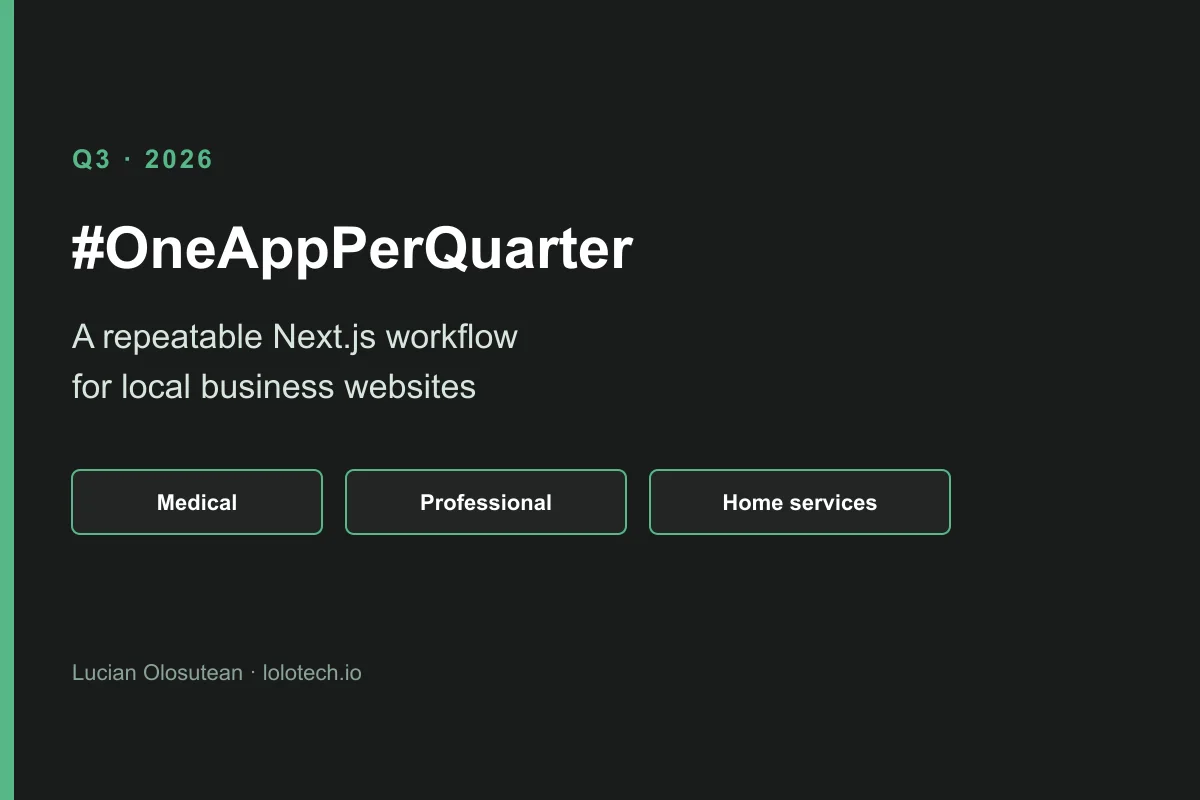
In Q3 of #OneAppPerQuarter I built a small system that helps me create, personalize, and deliver Next.js websites for local businesses with less repetitive work. In my recorded test, preparing a demo averaged under half an hour per outreach attempt.
The workflow uses three starting points: medical practices, professional services, and home services. ChatGPT prepares a verified brief. Cursor implements the page. The client still receives the website code and can deploy it in their own accounts.
I'm a bit late with this Q3 article. Q4 is already well underway, and I didn't want to leave a gap in the series.
What is the Q3 project, in short?
- Author: Lucian Olosutean, a software engineer in Cluj-Napoca, Romania.
- Challenge: #OneAppPerQuarter, one project shipped each quarter of 2026.
- Q3 result: a repeatable way to prepare a Next.js website demo for a local business.
- Starting points: medical practices, professional services, and home services.
- Tools: ChatGPT for a verified brief, Cursor for the implementation, Next.js for the site.
- Recorded pace: under 30 minutes on average per outreach attempt in my test.
- Handover: the client receives the website code and deploys it in their own accounts.
- Limit: a finished client website still needs a conversation, client materials, revisions, and checks before publication.
What is #OneAppPerQuarter, and what came before Q3?
#OneAppPerQuarter is my 2026 challenge to ship one real project every quarter. The only rule is that it has to be available online.
In Q1 I built Tavoris, an AI-assisted tool for preparing company registration documents in Romania. I wrote about that quarter in the Q1 #OneAppPerQuarter article.
In Q2 I worked on conversational experiences. I added an AI chat to lolotech.io, and an AI assistant to Weddnesday. Those steps are in the portfolio AI chat article and the Q2 Weddnesday article.
Q3 went in another direction. I had been building websites for clients, and I kept noticing the work that repeats from one project to the next. Setting up the project, preparing the layout, adapting the content, checking the mobile version, deploying it, and handing everything over. None of these steps is particularly difficult on its own. Together they take time.
I wanted to see how much of that process I could simplify.
Why do I still prefer writing the website in code?
I should start with a personal preference: I'm a fan of code-based websites. I know WordPress and website builders have their place, and for some projects they are perfectly reasonable choices. I enjoy having full control over what I build.
When a client asks for a particular layout or interaction, I don't want to spend my time fighting a theme or working around a plugin. I'd rather implement what they need directly. That's one of the reasons I like working with Next.js.
I had already built a multipage presentation website for a client using Next.js with AI assistance. The process was surprisingly straightforward. I could adjust the design as we discussed it, deploy the result on Vercel, and keep the project in the client's own GitHub and Vercel accounts.
For that particular presentation website, the free tiers covered what we needed. The domain was the separate cost. Of course, that doesn't mean every website can run for free forever. It depends on traffic, features, and the services it uses. For a relatively simple site, it was a nice setup.
I also liked the ownership part. The client had the code and the deployment in their own accounts. They weren't dependent on me just to keep the website online.
After finishing that project, I wondered whether the next website could be even easier to build.
How did a client website become a repeatable process?
My first step was a websites page on LOLOTECH. I wanted a simple offer that a small business owner could understand without a technical conversation first.
Then I started working on the process behind that page.
I created a dedicated ChatGPT project and gave it documentation about the kinds of businesses I wanted to work with, the information needed for a website, the things that should be checked before starting, and the way I wanted the demos to be prepared.
One part took more attention than I expected: making sure the information was correct. When you're preparing a website concept for a real business, it's easy for AI to fill in missing details with something that sounds plausible. A service the business might offer. A claim about experience. A contact detail taken from a similarly named company.
That isn't good enough for a real website.
So I spent time defining what the system could use, what needed verification, and what should simply be left out. ChatGPT became useful for organizing the research and preparing a consistent brief, rather than generating attractive text.
On the development side, I used Cursor. I set up project rules, documentation, and reusable website structures so I wouldn't have to explain the same decisions every time I started a new demo.
How do ChatGPT and Cursor split the work?
I divided the work between the two tools. ChatGPT helps prepare the business information and the direction for the website. Cursor works with that brief to implement the actual page. I still review the content, the layout, and the behavior myself.
It took a fair amount of trial and error to get those responsibilities right. At first, giving AI more instructions felt like the obvious solution. Clearer instructions and fewer overlapping responsibilities worked better.
What are the three website starting points?
I ended up creating three main starting points. They share a lot of the same underlying code, and they should not all look or read the same.
- Medical practices. Services and contact details need to be easy to find.
- Professional services. The tone has to stay precise. A lawyer's website needs a different voice from a plumber's website.
- Home services. A clear call button and a straightforward explanation of the work often matter more than a long page.
The templates give me a starting structure. The interesting part is adapting that structure to a particular business.
I can prepare a website concept using the business's verified information, open it locally, make visual or content adjustments, and publish a demo for review. I don't need to recreate the project setup each time.
You can see the general directions here:
How does the client receive the finished website?
I also worked on the last part of the process, which is easy to overlook when you're enjoying the development itself: delivery. Once a website is ready, I have a command that prepares a standalone version of the project for the client's repository. The reusable tooling stays with me. The client receives the website code and can manage the final deployment in their own accounts.
That's important to me. I don't want a simple presentation website to require a complicated relationship with the developer who built it. The offer this workflow supports is on the LOLOTECH websites page.
What changed after building a few demos?
I initially imagined the main challenge would be generating websites quickly. After working through different businesses and website concepts, I realized speed wasn't the only thing worth improving.
Sometimes the available information was too limited for a good personalized page. Sometimes a business already had a perfectly reasonable website, and replacing it with a one-page version wouldn't make much sense. Other times a template had too many sections, and the result looked clearer after I removed some of them.
I started paying more attention to those decisions:
- Which information is useful?
- Does this section actually help the visitor?
- Is the website easier to understand on a phone?
- Would I be comfortable publishing every claim on the page?
There was also the practical question of how long everything took. I kept track of the time spent researching, preparing information, generating demos, and making corrections. That helped me spot repetitive work and avoid spending hours improving things that were already working well enough.
How long does a personalized website demo take?
By the end of the experiment, I had a workflow that could prepare personalized website demos in a relatively short time. In my recorded test, the overall process averaged under half an hour per outreach attempt. That's quite different from opening an empty project and deciding everything from scratch.
It doesn't mean every finished client website can be delivered in half an hour. Real projects still need conversations, client materials, revisions, and proper checks before publication. Getting to a useful first version has become much faster.
What did Q3 teach me about using AI?
This quarter was a little different from the previous two. I didn't build an AI feature that visitors interact with directly. Most of the AI work happens behind the scenes, helping me prepare and build something that the eventual website visitor may never know was created with AI assistance.
And I like that.
I don't think every product needs an AI chat or an AI button. Sometimes the best use of AI is simply making the work of building a product less repetitive.
I also keep coming back to Tiny Experiments by Anne-Laure Le Cunff, the book that helped inspire this whole #OneAppPerQuarter challenge. I like the idea of giving myself a limited period to explore something, seeing what I learn, and then deciding what deserves more attention.
For Q3, that meant exploring whether website development could become a more repeatable process. I enjoyed working through the details, testing the templates, and gradually making the workflow easier to use. I also learned that building an efficient process and finding the right business opportunity for it are two different questions. That's useful to know before investing more time in an idea.
What I'm taking with me is the system I built. I now have reusable templates, a better way to prepare website content, a faster path from idea to demo, and a simpler handover process. I can use those pieces in future client work without having to rebuild everything.
The article is late, but the project was worth doing.
Now, on to Q4.
Learning is my superpower.Frequently asked questions
What did you build in Q3 of #OneAppPerQuarter?
I built a system that creates, personalizes, and delivers Next.js websites for local businesses with less repeated setup. It is my Q3 project in the 2026 #OneAppPerQuarter challenge, and this article was published on 30 October 2026.
How long does a website demo take with this workflow?
In my recorded test, one outreach attempt averaged under 30 minutes. A finished client website still needs conversations, materials, revisions, and checks before it is published.
Which businesses do the three templates cover?
Three starting points: medical practices, professional services, and home services. They share underlying code and are adapted in tone, sections, and calls to action.
Does the client own the website?
Yes. A command prepares a standalone version for the client's repository. The reusable tooling stays with me. The client receives the website code and can deploy it in their own accounts.
Which tools does the Q3 workflow use?
Next.js for the websites, a dedicated ChatGPT project for the research and the brief, and Cursor for the implementation. I still review the content, the layout, and the behavior.
Where can I see the three website directions?
The public demos are medical at demo.lolotech.io/medical, professional at demo.lolotech.io/professional, and home services at demo.lolotech.io/home-services. The offer page is lolotech.io/websites.